Castle login: how to access your account
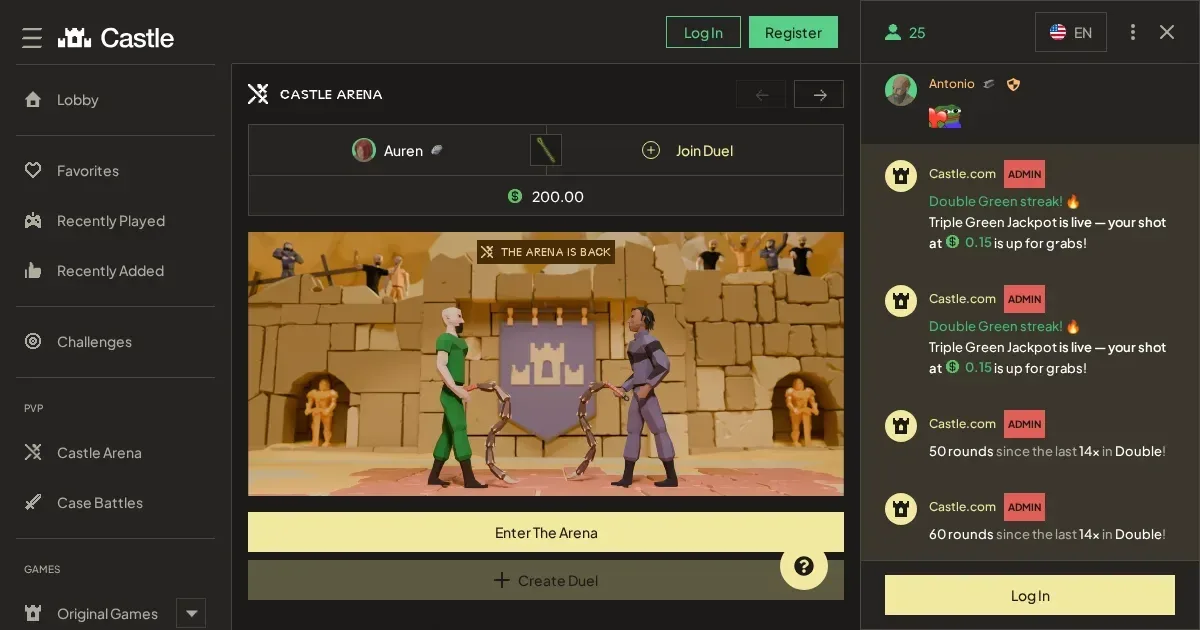















Your Castle account lives at the operator's own site, and only the operator can verify, restore or unblock it. This page explains how signing in works and where to go when it doesn't.
Signing in, step by step
- Open castlebet.com in your browser.
- Look for the sign-in button and select it.
- Enter the email address you used when you registered.
- Enter your password.
- Confirm to reach your account.
If you don't have an account yet, registration happens at the operator's site too.
What to do when it fails
A handful of things stop a login working. Most are quick to fix:
- Wrong email or password – check for typos and make sure caps lock is off.
- Unverified account – the operator may ask you to confirm your email address before you can sign in.
- Session timeout – refresh the page and try again.
- Browser cache – clear your cookies and site data, then reload the page.
- Regional block – Castle does not accept players from certain countries, including the United Kingdom.
Forgotten passwords
The operator sends a reset link to the email address on your account. Look for a "Forgot password?" option on the sign-in screen, enter your email, and check your inbox. The link usually arrives within a few minutes.
If you no longer have access to that email address, contact the operator's support team at [email protected]. They'll ask you to verify your identity before helping you regain access.
Signing in from a phone
Access Castle through your mobile browser at the same address – castlebet.com. The account and password are the same as on desktop. The operator does not publish an installed app.
Why an account gets blocked
Several situations restrict access, and each has its own cause:
| Cause | What happens |
|---|---|
| Self-exclusion | Account placed in restricted mode for the chosen period – 24 hours minimum, up to indefinite. |
| Verification hold | Withdrawals and deposits paused until you upload the requested documents. |
| Multiple accounts | Castle allows one account per household, IP address and device. A second account may be closed. |
| Fraudulent activity | Using a VPN, proxy or similar service that masks your location can result in account suspension. |
If self-exclusion is in force, the block is deliberate and remains until the period ends. Free, confidential support is available at BeGambleAware.org and GamCare (0808 8020 133).
Who to contact
Account problems go to the operator's support team, not to us. Reach Castle at [email protected] or through the live chat facility on the site.
Before you write, have ready: the email address on your account, when the problem started, and the exact message you see on screen. That way the first reply can actually help.
Keeping access safe
Sign in only at the operator's own address – castlebet.com – typed into your browser or saved as a bookmark. Never follow a link in an email or a message, even if it looks real.
Use a password you don't use anywhere else. If one site is breached, a unique password keeps every other account safe.
Sign out when you're done on a shared device. Castle scans every deposit and withdrawal, but a session left open is a risk you control.
This site is for players aged 18 and over (18+). If gambling stops feeling like entertainment, free and confidential help is available at BeGambleAware.org.
Last updated:
Frequently asked questions
Can I sign in to Castle from my phone?
Yes. Open castlebet.com in your mobile browser and use the same email and password as on desktop. The operator does not publish a standalone app.
What should I do if I've forgotten my password?
Look for the password reset option on the sign-in screen, enter your email address, and the operator will send you a reset link. If you no longer have access to that email, contact [email protected].
Why won't my account let me sign in?
Common causes include wrong credentials, an unverified email address, a session timeout, or a self-exclusion in force. Check your details first, then contact the operator's support team if the problem persists.
Can this portal recover my account?
No. Your account is held by the operator, and only Castle's own support team can restore, unblock or verify it. Reach them at [email protected] or through live chat.
Game Providers